
Ever feel like your track could use a little extra spark? Try cranking up the tempo and watch a mellow beat instantly transform into a dance floor magnet. Imagine your chill groove morphing into a rhythm that gets hearts racing in just a few simple moves. I'm here to share some easy tips and user-friendly apps that can give your music a fresh, punchy vibe. Ready to turn your tunes into high-energy hits that keep everyone hooked?
Quick Steps to Speed Up Music on Any Track
BPM means beats per minute, it tells you how fast the music goes. Most music apps, like DJ.Studio or Descript, have cool features (think pitch-hold or key-lock) to change the speed without messing up the tune.
Here’s an easy way to bump up your track’s pace:
- Sign up and open your favorite music tool.
- Import the audio track you want to work on (imagine loading a smooth House track at 128 BPM).
- Find the BPM or tempo setting. Many tools show a slider or a special lane (like DJ.Studio’s bright orange BPM bar) so you can adjust the speed just right.
- Slowly raise the BPM. Picture turning a laid-back 128 BPM into an upbeat 140 BPM, perfect for switching from House to Trap or even giving Drum & Bass an extra kick from 160 BPM to 180 BPM.
- Listen to your track while you adjust it to make sure it still sounds natural and the key stays the same. A handy tip: always preview your changes before you save to catch any little hiccups.
- Save your now-fueled-up track as a high-quality .wav file to keep every bit of clarity and punch.
These simple steps help you add a burst of energy to any tune. Whether you’re gearing up for a live set or crafting beats for your social media clips, have fun and let your creativity take charge!
Music Speed Up Apps: Comparing Top Tools
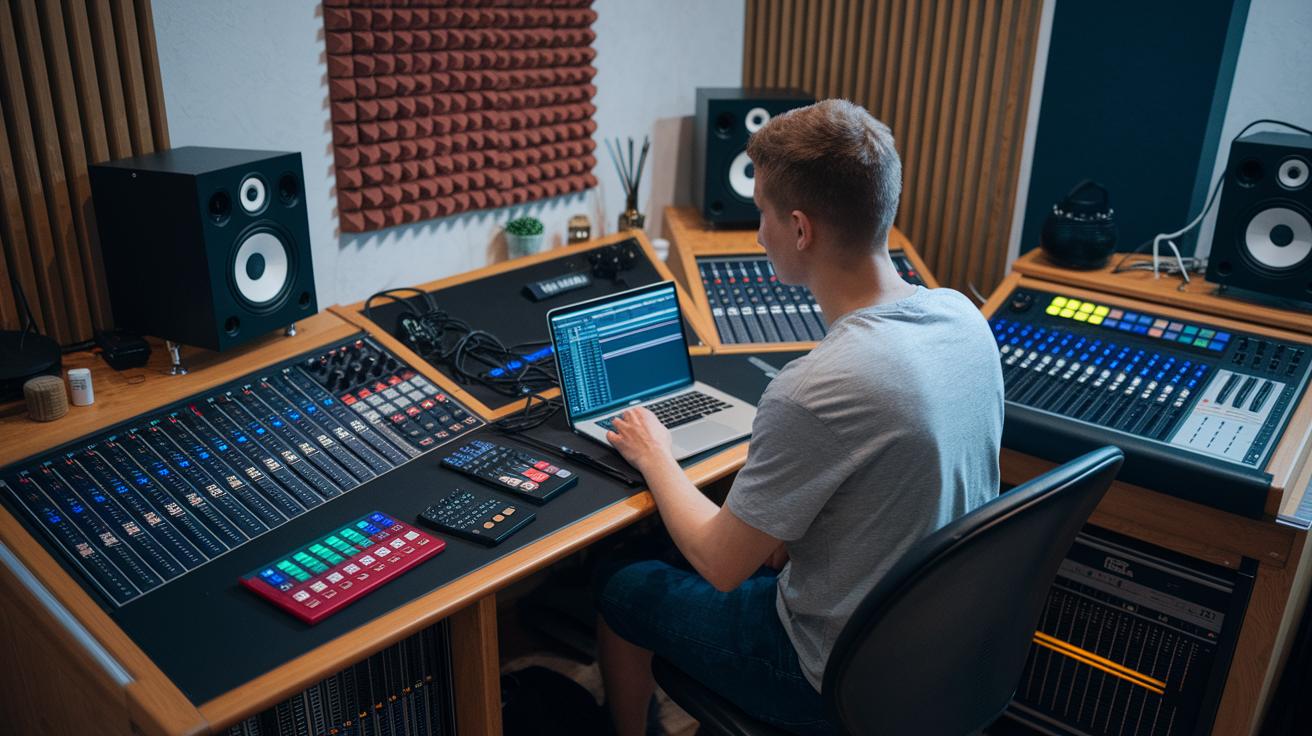
Ever wish you could speed up your tunes without losing the magic? Well, let’s chat about some top apps that make it a breeze. Descript really shines when you need to edit multiple tracks at once. It lets you control the tempo with pinpoint precision and works with popular formats like MP3 and WAV. Plus, it throws in cool extras like AI-powered speech, screen recording, and video tweaks that can totally elevate your editing game.
DJ.Studio also brings some serious flair to the table. Its automatic tempo adjustment and nifty key-lock feature keep the pitch smooth even when you boost the speed. With smart time-stretching and a cool Vinyl Mode, it’s like giving your DJ mixes a natural, mobile vibe that feels just right.
For those who love the live performance vibe, Ableton Live is a real gem. Its Complex Pro time-stretch algorithm smooths out any glitches so you can adjust the tempo on the fly. And if you’re all about flawless DJ mixing, Rekordbox has your back. With its Key Lock technology, you can bump up the BPM without losing that original sound you love.
Soundtrap offers a neat cloud-based solution for on-the-go music edits. This DAW makes it super easy to tweak BPM anywhere, anytime. It also supports popular formats like MP3 and WAV and lets you match your tracks perfectly to your project’s timeline. It’s a reliable tool if you need that instant musical boost at your fingertips.
| App | Key Speed Features | Format Support | Price/Platform |
|---|---|---|---|
| Descript | Multi-track tempo, pitch-hold | MP3, WAV, AI | $12/mo; Win, Mac |
| DJ.Studio | Auto BPM, Vinyl Mode | MP3, WAV | Free/$9.99; Web, iOS |
| Ableton Live | Complex Pro stretch | WAV, AIFF | $99–749; Win, Mac |
| Rekordbox | Key Lock | MP3, FLAC | Free/$9.99; Win, Mac |
| Soundtrap | Cloud BPM, stretch | MP3, WAV | $7.99/mo; Web |
Speed Up Music Without Losing Audio Quality
When you’re tweaking a track’s speed, think of BPM as the heartbeat of your song, while pitch gives each note its vibe. Tools like Ableton Live’s Complex Pro, Serato Pitch 'n Time, and Rekordbox Key Lock work magic with time-stretching, so you can speed things up without changing the original sound.
Did you know a slight tempo boost of up to 20% can keep your track sounding clean? The trick is to nudge your BPM gradually and listen to your edits often. This way, you dodge any glitches that might sneak in if you push too hard.
If you’re chasing that vintage, vinyl feel, try out Re-Pitch Mode. It bumps up both tempo and pitch, giving a different flavor by shifting the key a bit. And if you’re making longer edits, it’s smart to pre-render your track instead of using real-time stretching, which can really tax your CPU.
Always give your edits a good listen before you finalize your track, so you catch any tweaks that might have spoiled your sound.
Advanced Tempo Techniques for Music Speed Up

When you're looking to change a song's vibe, a little BPM tweak can make all the difference. Picture a House beat sliding from 120 to 124 BPM to perfectly sync with a vocal line or ramp up energy during a live set. One DJ even bumped up the BPM by just 4 points, and suddenly the dancefloor was buzzing with a new burst of energy. This method uses tempo automation for smooth, live transitions, giving you a neat way to adjust the pace on the fly.
Time stretching is another cool trick. Every digital audio workstation has its own way of stretching a track without messing with the pitch. Take Ableton, for example, it does an amazing job holding onto those quick drum hits, making it a favorite for percussive tracks. On the other hand, Rekordbox is known to glide smoothly over melodic elements. In a test run, a sample track in Ableton showed hardly any glitches even when stretched to 1.5 times its speed, while some other tools struggled with effects like reverse reverb. And if you're worried about overloading your computer during intense editing, pre-rendering longer segments is a smart move.
| DAW | Algorithm Strength | CPU Impact |
|---|---|---|
| Ableton | Excellent transient preservation | Moderate |
| Rekordbox | Smooth morphing for vocals | Moderate to high |
| Soundtrap | User-friendly interface with solid basic processing | Low |
Speed Up Music in Practice: Use Cases and Tips
Musicians and creators are finding fun ways to add energy to their tracks. They’re using speed ups to create catchy intros or to master those tricky riffs that sometimes seem like a crazy challenge. Here are six cool ways tweaking the tempo gives your music a fresh vibe:
- Creators on TikTok, Instagram Reels, and YouTube Shorts have discovered that a sped-up intro can pull in millions of views. Imagine starting off with a quick fact like, “Some artists even saw their views jump by 300% just by stepping up the beat!”
- When tackling tough parts, many musicians bump up the speed by about 10% at a time, practicing until the full tempo feels natural. Picture a guitarist powering through a solo until every note flows perfectly.
- DJs mix genres seamlessly by adjusting the beat on the fly. One minute, they’re spinning a House track, and the next they slide into Trap, all without missing a beat.
- Giving your workout playlist a 5-15% speed boost works like a musical espresso shot. It ramps up the energy and keeps your heart pumping during that intense session.
- Meme and remix culture loves a fast tempo for that extra comic or viral punch. A sped-up voiceover can turn an everyday clip into a shareable sensation.
- And of course, while you’re playing around with these tricks, remember to respect copyright rules. Always make sure you have the right permissions before remixing commercial tracks.
These tips show just how a little speed can pack a big punch and completely transform your sound. Enjoy experimenting and turning up the energy in your music!
Troubleshooting Common Music Speed Up Issues
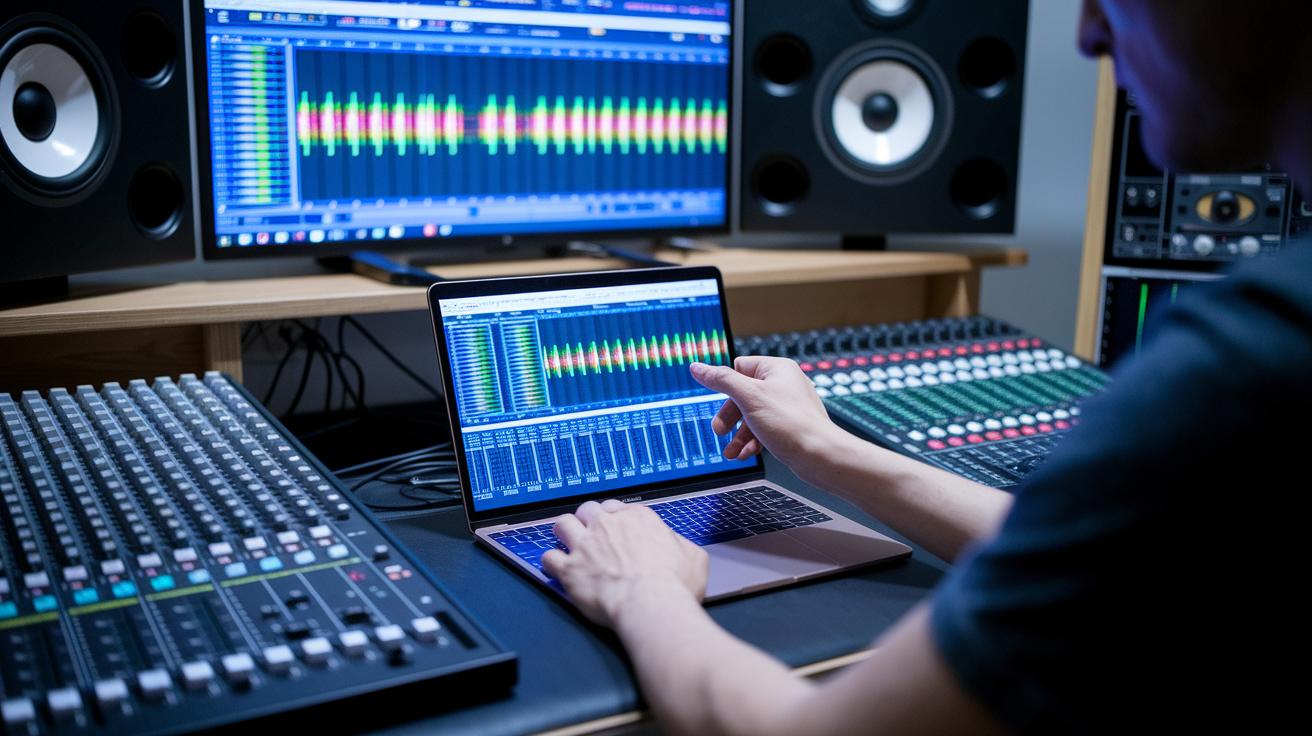
When you speed up your track, things might not go as smoothly as planned. If you crank up the tempo more than 25% using basic time-stretch methods, you could end up with digital noise. In that case, try switching to a premium algorithm to keep your edits sharp.
- If the pitch sounds off, check to see if your key-lock or pitch-preserve mode is turned on. Toggling it back on can quickly bring back the clear, original sound.
- Sometimes file formats cause hiccups too. If your import stalls between MP3 and WAV, using a high-bitrate WAV file can solve the problem.
- Noticing your CPU getting overloaded during real-time stretching? Close some background apps or consider rendering your edits offline so your computer can catch its breath.
- And if strange software bugs disrupt your speed controls, make sure your editing tool is updated to the latest version. Also, remember that remixing commercial tracks without clearance can lead to copyright issues, so always check your licenses before getting creative.
Final Words
In the action, you’ve learned how to speed up music without losing quality, from setting BPM adjustments to choosing the right app for the task. The guide walked through straightforward steps, compared favorite tools, and even tackled tips for troubleshooting common issues. Each section connected practical techniques with real-world benefits, making it easy to boost your track’s tempo. Keep experimenting with these methods to speed up music and enjoy a smoother, more creative experience. Stay upbeat and keep your playlists moving ahead!
FAQ
Q: How can I speed up my music online free?
A: The question on speeding up music online free means you can use browser-based tools to adjust BPM, giving your track a quicker pace while keeping the original pitch intact.
Q: What is the word for speeding up music?
A: The question about speeding up music describes altering the tempo, often called a “tempo boost” where the pace of the song is increased without changing the key—ideal for remixing and practice.
Q: How do you speed up music on iPhone?
A: The question on speeding up music on iPhone suggests using a dedicated speed app that lets you import your track, adjust the BPM slider, and preview changes, all while keeping the tone consistent.
Q: How do I change the tempo of music?
A: The question regarding changing the tempo of music means you can adjust the BPM settings in a digital audio editor, allowing you to fine-tune the speed without affecting the quality of the audio.
Q: What are some ways to speed up music on different devices?
A: The question about speeding up music on various devices shows that you can use online platforms, Android apps, or iPhone tools—all offering tempo controls to boost speed and maintain the original pitch.
Q: Which apps help with speeding up music?
A: The question about which apps help with speeding up music highlights popular choices like DJ.Studio, Amazing Slow Downer, and BandLab, all designed to adjust BPM settings while preserving audio clarity.

